Observing Facilities and Observations#
One of a TOM’s most powerful features is to enable astronomers to directly request observations from telescope facilities. With this capability becoming more and more common among observatories, TOMs can be used to easily coordinate observations across a number of telescopes. Observing programs can also scripted, so that the TOM can automatically observe targets selected according to pre-defined criteria and with observations determined by a pre-defined strategy.
Built-in Observing Facilities#
The TOM includes built-in modules that provide interfaces to a number of telescopes including:
These modules enable users to compose and submit requests for observations, and to calculate target visibility from these observing sites. Data products resulting from submitted observations can also be retrieved.
Detailed information on these modules can be found here: Facility Modules - Take a look at the supported facilities.
Observation Views - Familiarize yourself with the available Observation Views.
Customizing an OCS Facility and its Forms - Learn how to customize an Observatory Control System facility and its observation forms to add new fields and behavior.
Additional Telescope Facilities#
The Toolkit also has a number of optional plugin modules providing interfaces to other telescopes, including:
For more information about the plugin modules, see Plugins.
Facilities Table#
The TOM’s tom_observations module also has a database table (model) for telescope facilities where users can store
general information about telescopes, including the location of the telescope site(s) or orbits, wavelength range, etc,
regardless of whether they can accept the programmatic submission of observations.
This enables the TOM to include these facilties, for example when calculating target visibility.
A TOM administrator can add facilities to this table using the TOM’s admin interface.
Adding Telescope Modules to the TOM#
Modules can be added to enable the submission of observations to additional telescope facilities. For telescopes using LCO’s Observatory Control System software, Customizing an OCS Facility and its Forms describes how to customize the facility and its observation forms to add new fields and behaviour.
Building a TOM Observation Facility Module describes how to build a module for any telescope that allows the programmatic submission of observations.
We encourage users with custom telescope module to submit a pull request through Github to the TOM Toolkit, to share the capability with other users.
Making Observations Interactively#
Requests for observations on multiple telescopes for can be submitted interactively from the detail page of an individual Target.
This can be done by clicking on the button for the desired observatory under the observe tab:
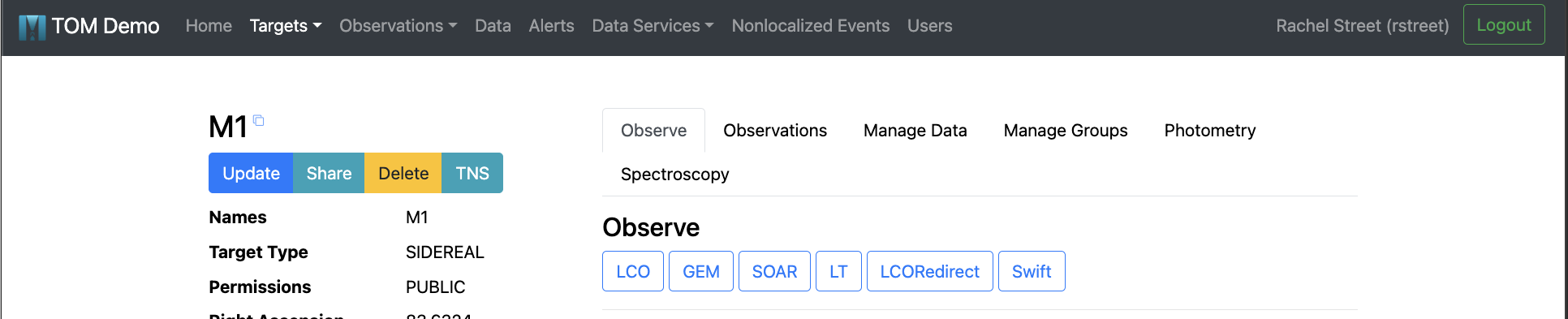
Observatory buttons under the observe tab of a target detail page.#
Each button takes the user to the observation request form for the corresponding telescope’s instrumentation.
Automating your observations#
It’s also possible to request observations programmatically, through a script. This can be a very powerful way to orchestrate an observing program, and allows users to automate their observations. An example of this approach can be found under Programmatically Submitting Observations.
Observing Strategies and Templates#
A further step in automating your observing program is to tell the TOM what your strategy is for future observations of a given target. For example, this allows it to automatically re-submit a previously-defined observation request in the event that those observations were not executed for whatever reason.
Cadence and Observing Strategies describes how to build cadence strategies that submit observations based on the result of prior observations, as well as how to leverage observing templates to submit observations with fewer clicks.
Finding visible targets#
Identifying which targets are visible from a given observatory is a routine task in any observing program. The TOM’s target detail page includes a tool that computes the target’s visibility from a range of different sites.
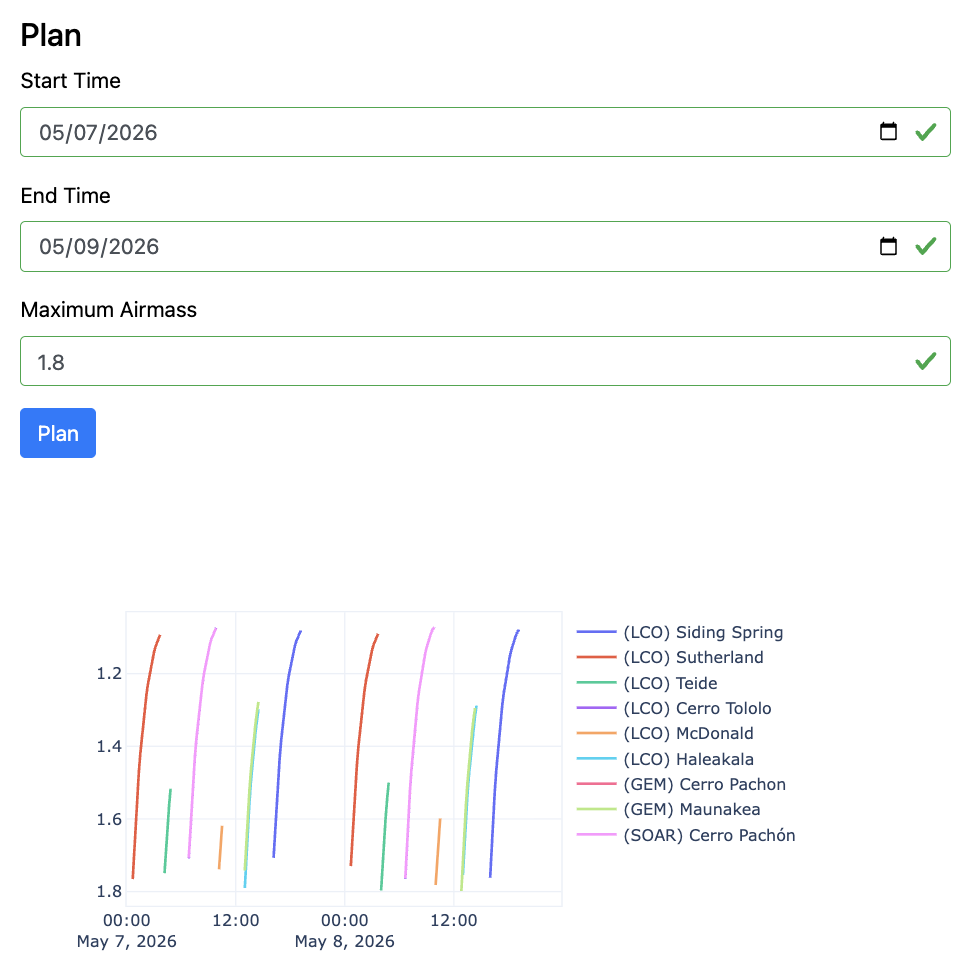
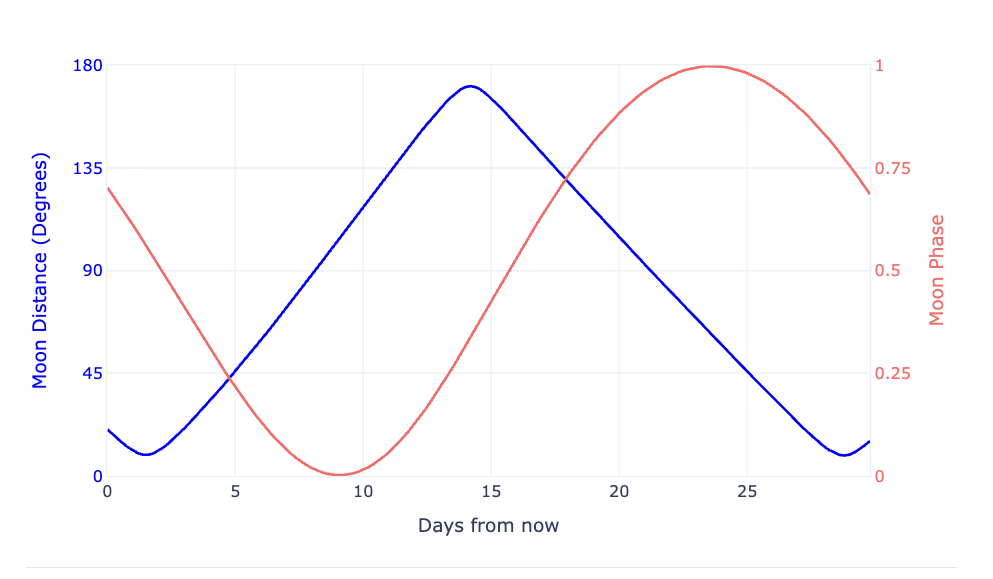
Conversely, the TOM also has a tool to figure out which of your targets will be visible from a given telescopes. This is described under Selecting Targets.
Observation Records#
The TOM keeps an Observation_Record of all observations submitted through it, either interactively or programmatically.
These records include the parameters of the observation request and its status of execution.
For observatories that offer APIs to allow users to query observation status, the TOM includes tools to update
this parameter programmatically.
For more details about observation-related models in the TOM see Observation Models.